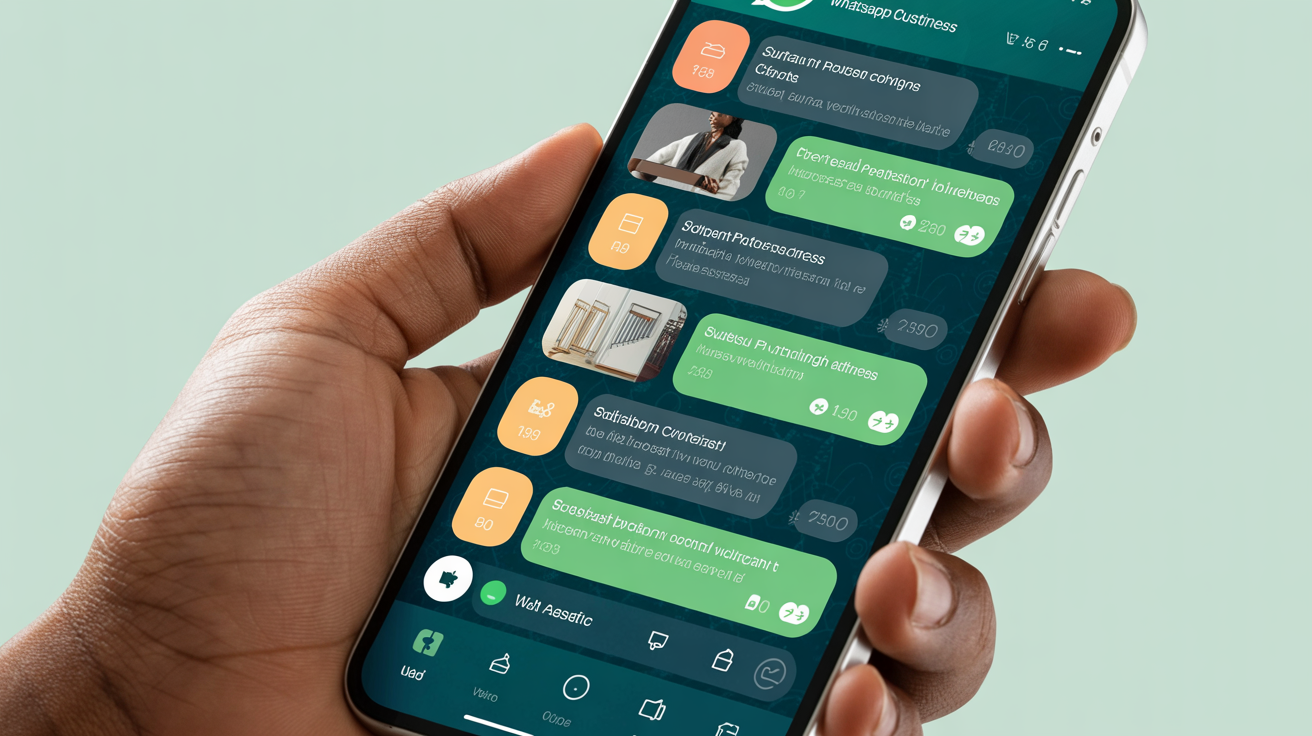
Mastering WhatsApp Business for South African Entrepreneurs: A Practical Guide
Introduction WhatsApp Business has become an indispensable tool for small businesses and entrepreneurs across South Africa. With over 50 million active WhatsApp users in the country as of 2026, this platform provides an accessible way to connect with customers, manage orders, and increase sales.
This guide will walk you through the practical steps to set up and optimise WhatsApp Business for your digital product or service, ensuring you make the most out of this free yet powerful tool.
---
Step 1: Setting Up Your WhatsApp Business Profile 1. **Download the WhatsApp Business app** from the Google Play Store or Apple App Store. 2. **Register your business number** (use a dedicated business phone number if possible). 3. **Create a business profile:** Add your business name, description, location, website link, and business hours.
*Tip:* Use clear descriptions that include keywords relevant to your digital product niche.
Step 2: Automate Customer Communication Use the automation features to save time and maintain professionalism: - **Greeting message:** Automatically welcome new customers who message you. - **Away message:** Inform customers when you are offline or outside business hours. - **Quick replies:** Save and reuse frequently sent messages like pricing details or product features.
Step 3: Catalog Upload and Showcase WhatsApp Business allows you to create a product catalog: - Upload images, descriptions, and prices of your digital products. - Share specific product links directly in chats. - Keep your catalog updated regularly.
This feature is ideal for digital product marketplaces like LinkingBiz, where sellers can showcase eBooks, templates, or courses.
Step 4: Organise Your Contacts and Labels Label your chats based on status such as: - New leads - Paid customers - Pending payment - Support inquiries
This organisation helps you track the customer journey and follow up efficiently.
Step 5: Use Broadcast Lists for Promotions Broadcast lists let you send messages to multiple contacts without creating a group. This is perfect for: - Announcing new digital product launches - Sharing discount codes - Inviting customers to webinars or live demos
*Important:* Respect privacy and avoid spamming your contacts.
Step 6: Link WhatsApp Business to Your Website and Social Media - Add WhatsApp chat buttons on your website and social media pages. - Use your WhatsApp number as a contact option for customer support.
This integration helps to funnel potential customers directly into personalized conversations.
---
Real-Life Example: A Johannesburg-Based E-Course Creator Sizwe, an online educator from Johannesburg, specialised in career development courses. By switching to WhatsApp Business, he: - Reduced response time from days to under an hour - Increased course inquiries by 40% within two months - Streamlined his payment confirmation process using labels
Sizwe credits WhatsApp Business for helping him maintain strong customer relationships and increasing repeat purchases.
---
Final Tips for Success - Always respond promptly and courteously to customer inquiries. - Regularly update your product catalog and promotional materials. - Use multimedia (images, voice notes, videos) to enrich communication. - Respect your customers’ time and avoid over-messaging.
---
Conclusion WhatsApp Business is a user-friendly, effective platform that South African entrepreneurs can harness to grow their digital product marketplace presence. By following these practical steps, you can boost customer engagement, streamline operations, and enhance your sales pipeline without significant investment.
Ready to start? Download WhatsApp Business today and transform how you connect with your customers!
WhatsApp Business Tools on LinkingBiz
Take your WhatsApp selling to the next level:
- WhatsApp Selling Guide — Complete guide to selling via WhatsApp
- Mzansi WhatsApp Business Growth Playbook — Advanced WhatsApp strategies
- Small Business Social Media Content Starter Pack — Content for all your platforms